Showing posts with label Digital Media. Show all posts

Wednesday, 29 June 2016

Part Six: Robot Fish- Test prints and mounting onto card.

These are test prints for colour and brightness...


 Test prints and prepping to cut and mount final image...

Final Image.

Part Five: The components of my robot (steampunk) Fish. Early build and Final Image...

 The 10 cut-out components of my Robot Fish composition... 


An early attempt...

The final Image...

Part Four: Some early compositions of my robot fish.

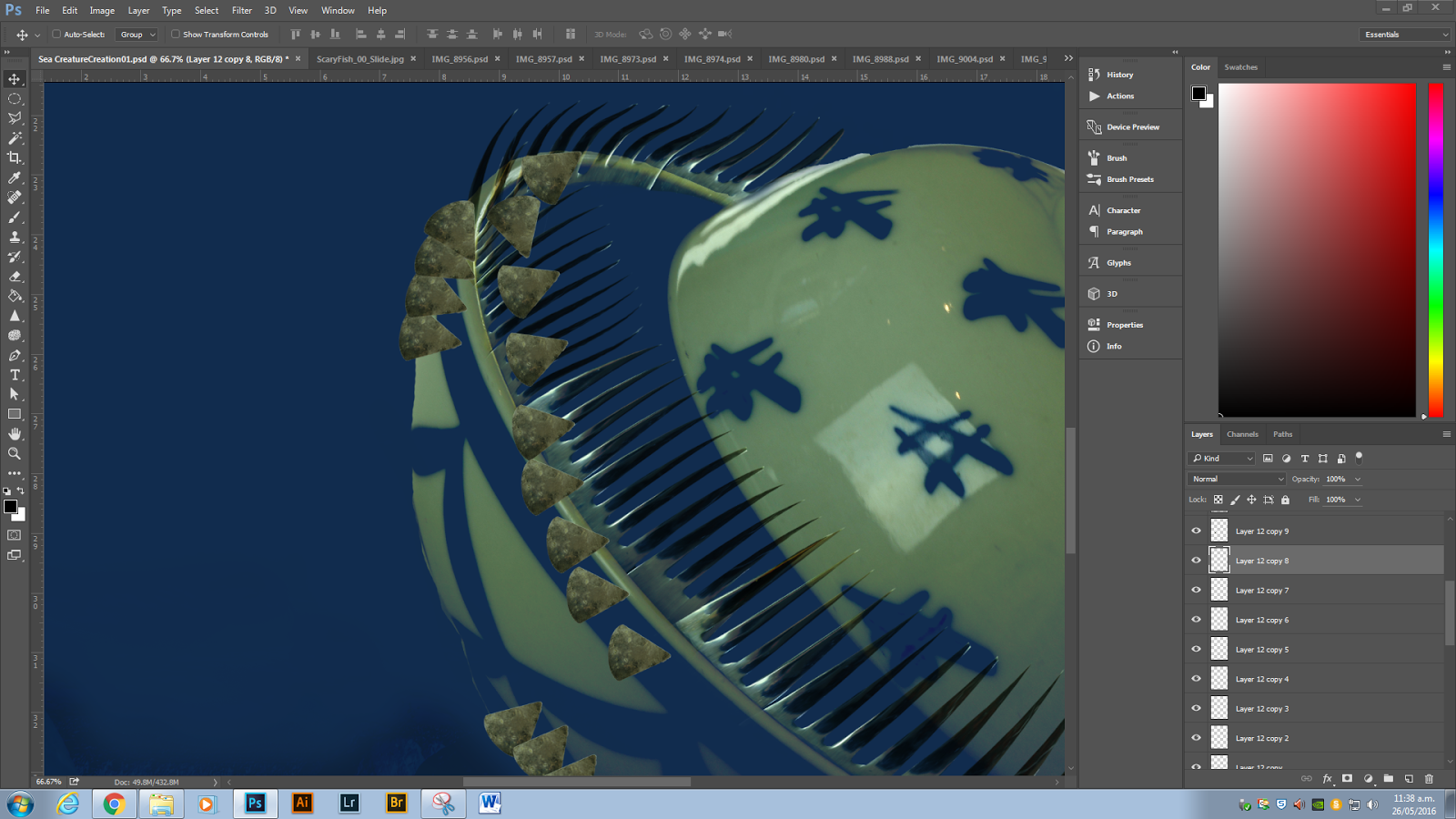
Sizing the (fork) teeth.

copy and pasting them along the jaw line, and trying to get the scale and angles right for each part of the jaw. Needed to use some skew and warp tools.

Added the first idea of the eyes in and warped the stalk for the head light from a spoon handle. Had a play with adding some bubbles also...

Wednesday, 25 May 2016

Part Three: Sea Creature continues- building the scales

Working on creating scales for my fish creature. Here are the pie slice cut-outs. Turning them into scales...

I will build a layer of scales around the edge, then copy the whole layer, move inwards and re-apply but shrink a little each time.
Before scales applied

Here are the scales as I painted them with a layer mask on the surface of the fish body...

Part Two: sea creature continued...

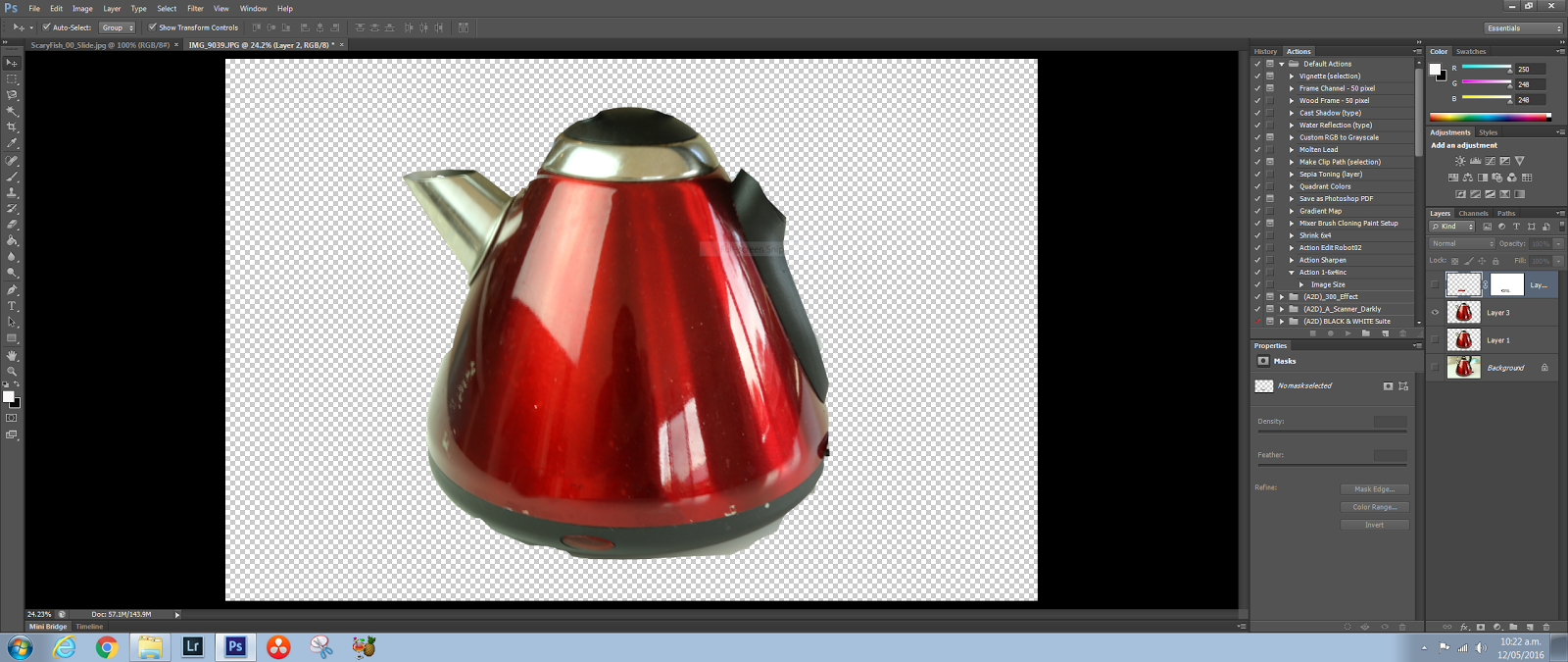
These are my photos ready for cut outs...

Kitchen jug...

 This will be my scales...

Building my fishy thing...

Turning forks into fish teeth...

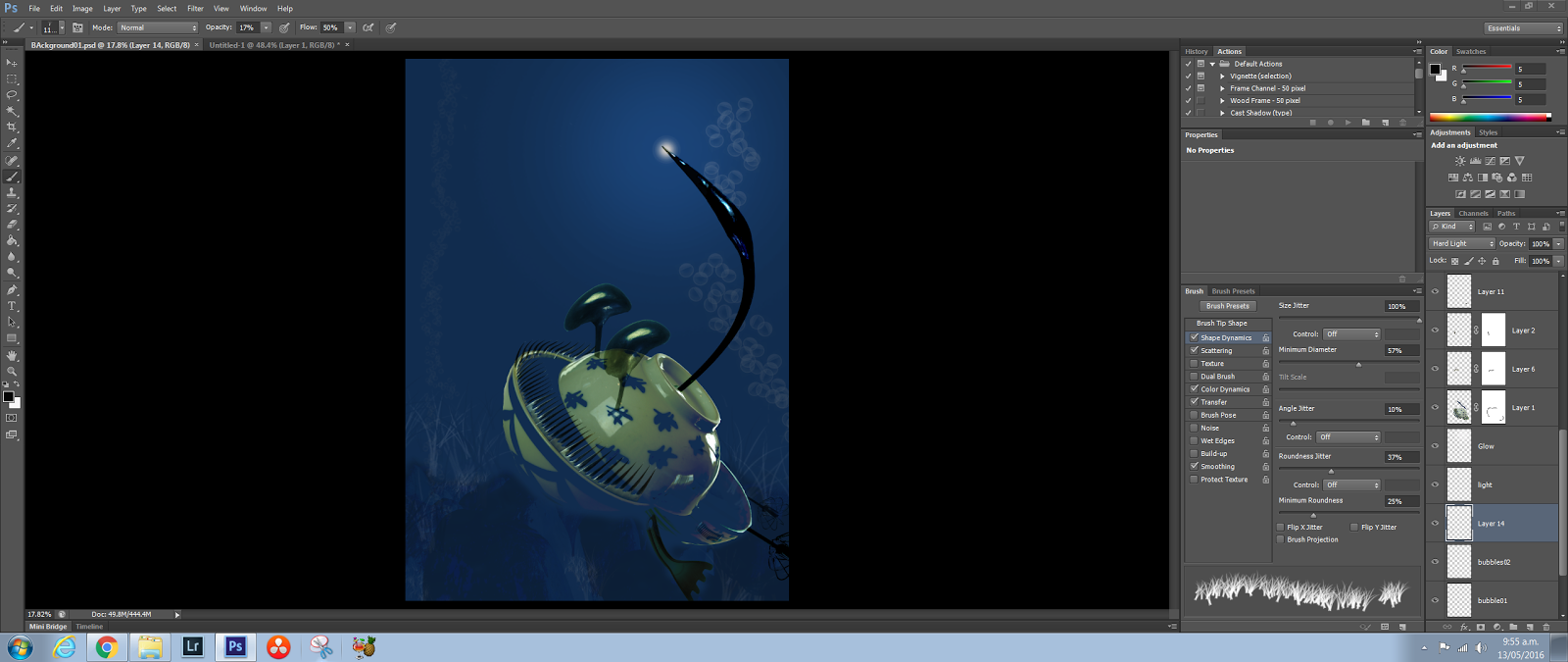
This U-tube sight showed me how to make a custom bubble brush ...

here is the resulting brush...

Added in some bubbles...

Wednesday, 11 May 2016

Part One: Creating Composite Creatures/ Animals

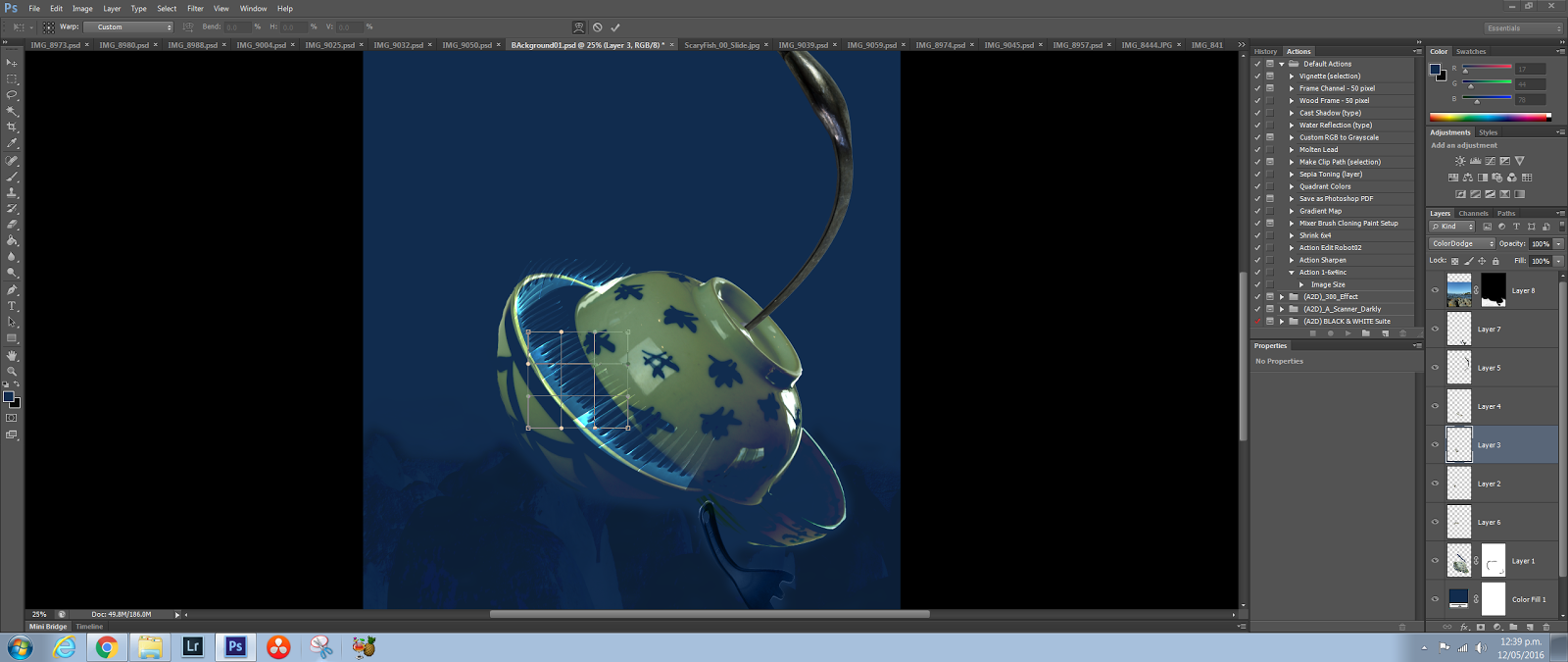
Here are some screen shots and research images from my first creature creation.

I decided to do a sea creature. So I looked up some prehistoric sea creatures.

Prepping for the shoot in my kitchen.

Once again I decided on Kitchen utensils because I thought they matched the shapes needed best for a sea creature.

Shooting on the kitchen table for the white background. Trying to make it easier to do cut-outs.

Thinking about using this "Ninja" blender somehow?

This is the image I've decided to take my inspiration from.

Sunday, 10 April 2016

Grid Image- Green Gun

This is my grid composition. The images are of a world war two large gun on the water front St Aubyn street, New Plymouth.


The images are coloured using an "Action" sequence, and the grid image is created using the "Rulers" function in Photoshop.

Here are a couple more Grids I made at home for practice...


The images are taken at a car wrecking yard. The Grid on the left is before I changed the color using a black and white filter.

Thursday, 7 April 2016

Adjustment Layers Landscapes

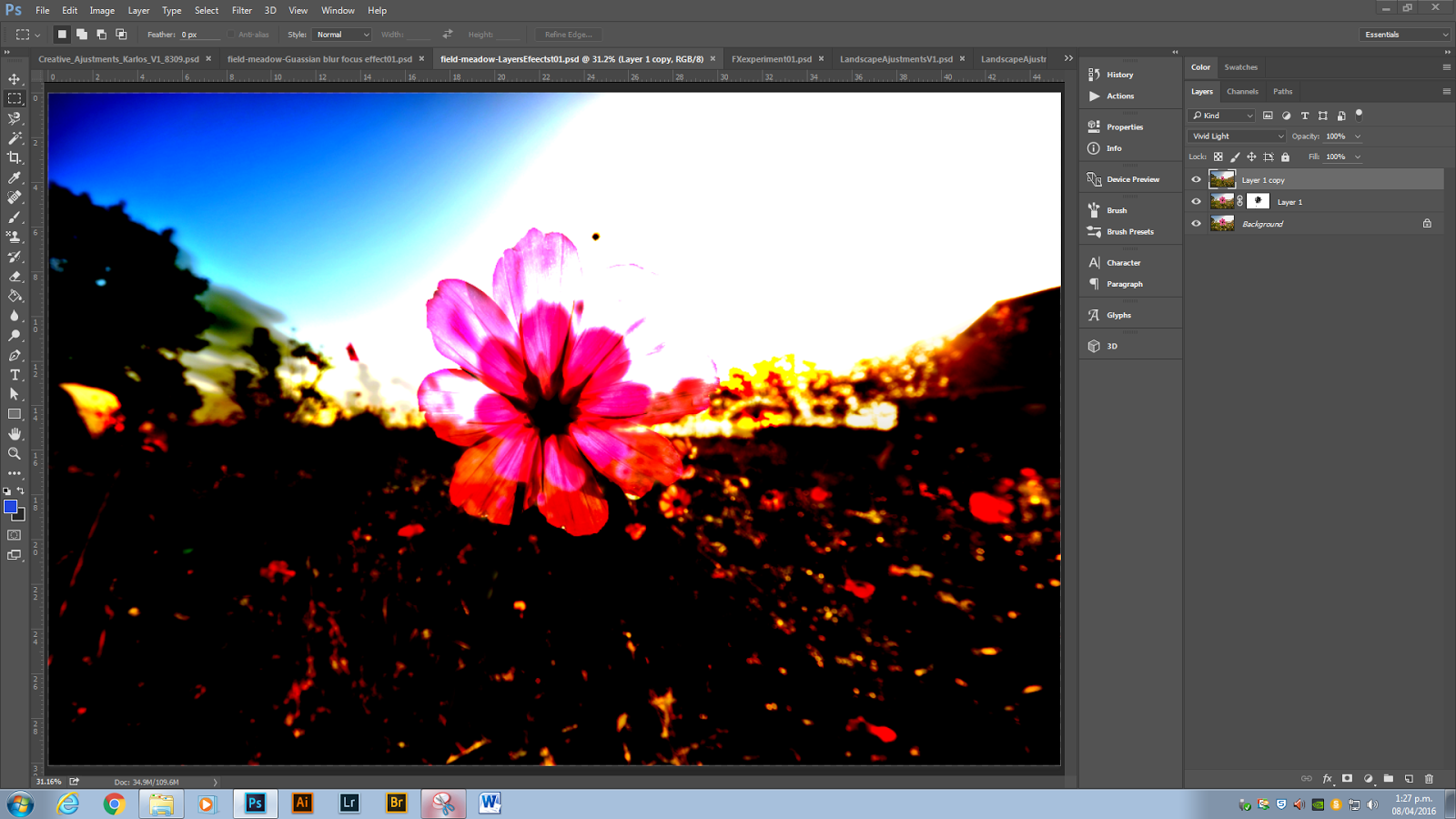
Continuing to work with Photoshop we have been experimenting with Adjustment layers and Blending modes, using landscape photography. Here are some of the steps along the path...

An image from the net...

This effect was achieved by painting on an adjustment layer and applying a "vivid light" blend mode.

Here is an original image of a mountain landscape...

Playing around with filters (destructive editing)...

Played with lightening the image in the foreground...

Coloring the mountains and the mid area by painting on inverted masks...

Here, I selected the sky and am working with the refine edge tool...

Here I have simply added a levels mask and adjusted the lights and dark tones until I found a contrast level I was happy with, one that added dramatic sky to the image...

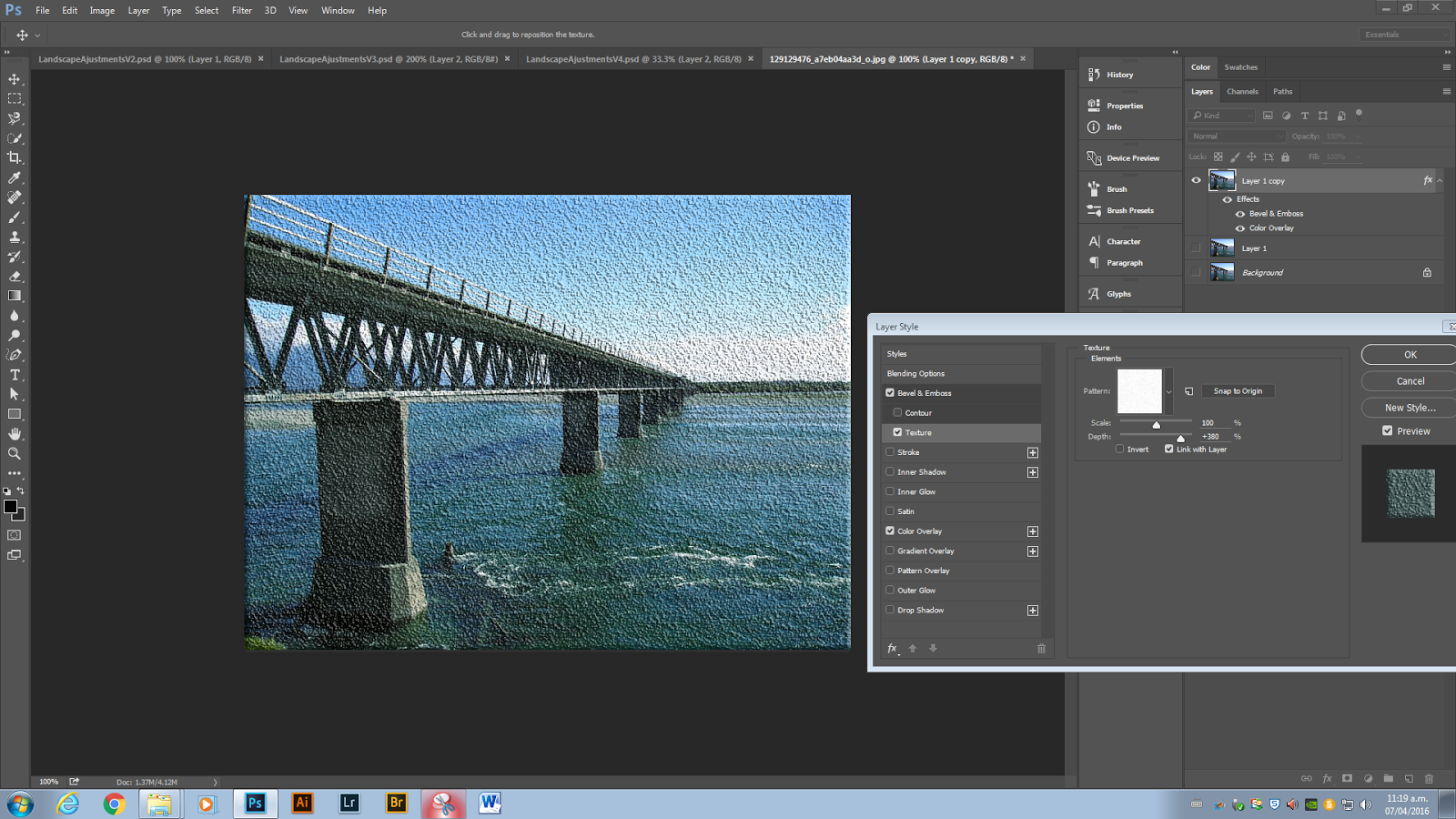
Playing with effects and 3d applications...


Here is an original Image, before and after comparison...

...after

Another original image...

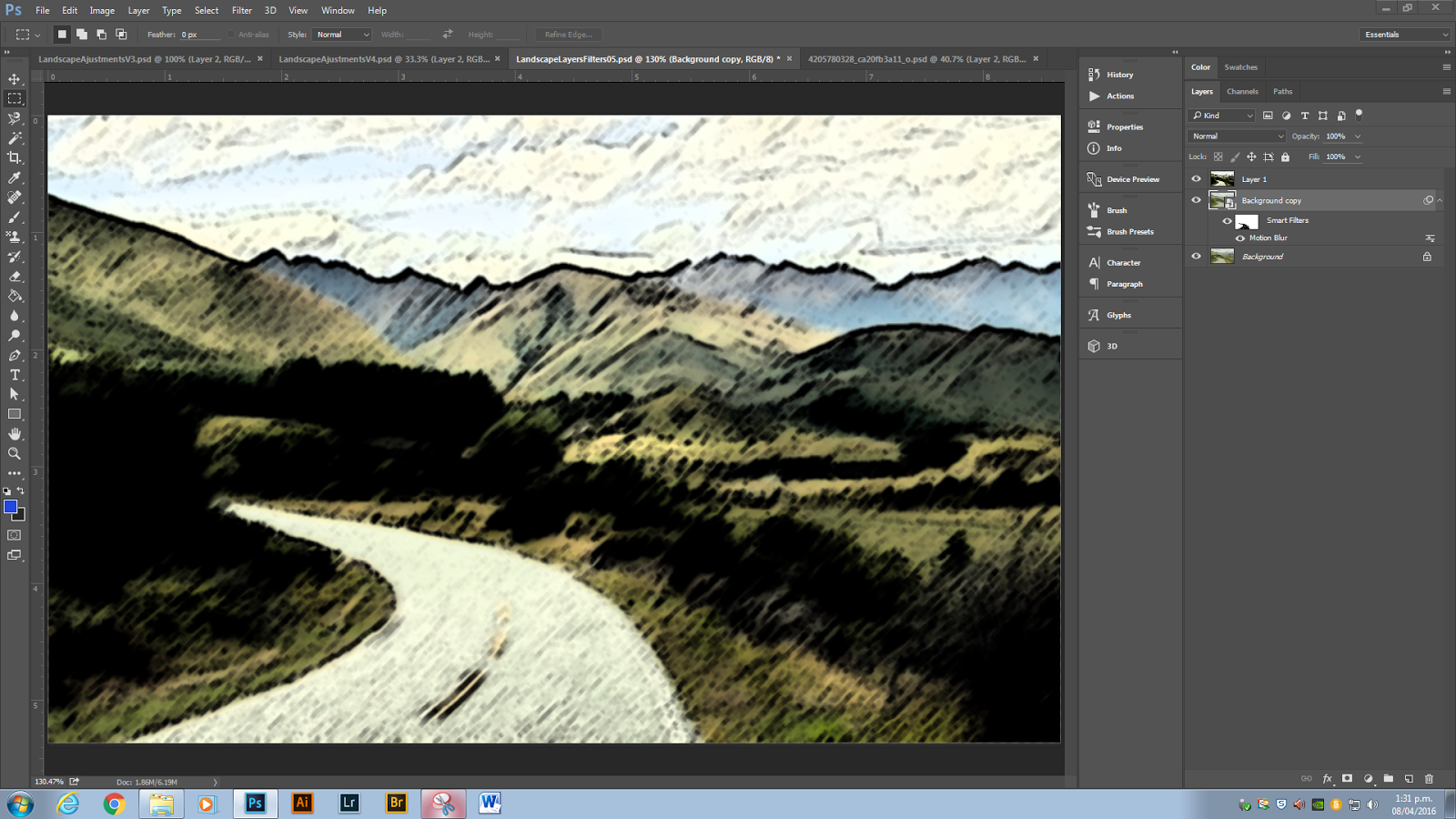
Applied a Gaussian Blur to the image, inverted a mask and painted the road back into the image...

and here I have been experimenting with artistic pre-sets.

This is one of my own photos I will be using for a hand in project. It is a view of Waitara. Image before editing...

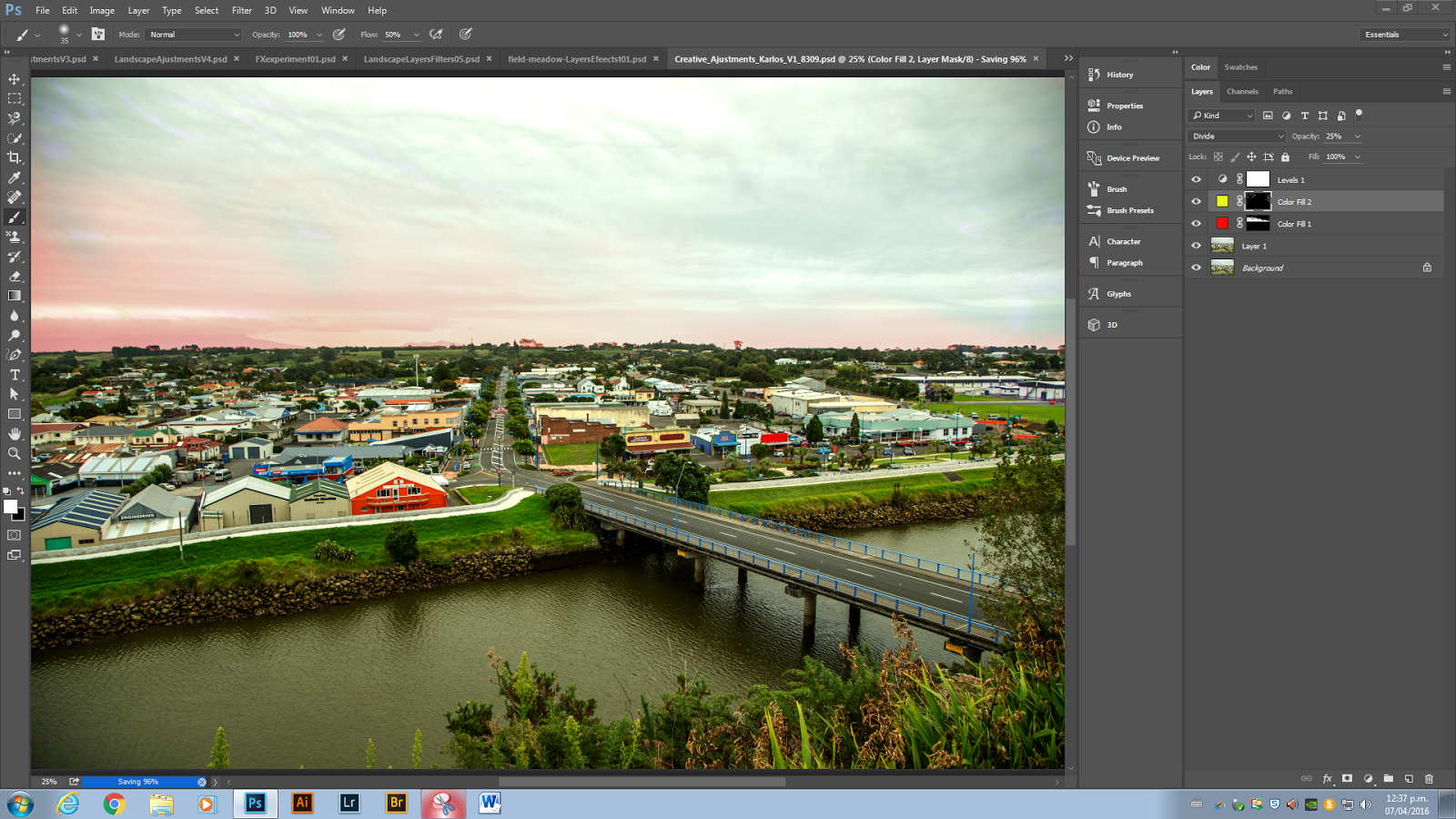
And here I have applied a mixture of editing tools to achieve the desired look. After editing.