Showing posts with label Digital Media 2016-Bee. Show all posts

Wednesday, 6 July 2016

Part 06- The final Image...

The final stage I took the image through was NIK color grading. First I had to get the composite Bee to the color and shading that I was happy with, then I could deal with the image as a whole in the NIK program, for over all tone and feel...


Here is the final image. I will print on the Beast printer and mount it on foam card and also create a map on the back for compositing reference.

Here are the images used in the map. The reference bee included as he was a big part of creating my own bee. Here are the 10 parts used in the creation...


I would say creating a composite animal the second time around was much easier and quicker due to the learning curve of the first experience. I had a much better idea about how to achieve the things I wanted to technically using the photography and manipulating the images in photo-shop. I am very happy with the resulting final image I have achieved here. Probably more so then the robot fish image, due to the fact that I felt more in control of what I was doing and how I was going to achieve it. Good learning curve and happy with the results. happy days.

Finished.

Part 05- Coloring and fine detailing...

I created a colour layer and painted the colours onto the bee where I wanted the yellow and black bands. I I also wanted the wings to seem transparent, played with a colour cast on them and dropping down the opacity, finally I added a motion blur effect to try and make it seem they were photographed while moving...


Part 04- Composting the bee body parts together...

I just created the body parts in a ruff manner with the reference bee on screen for me to measure scale and shape against.


Achieved the general shape and looking for correct anatomical placement of legs/ arms wings etc...

Part 03- The cut outs, body parts and textures...

I found cutting these out very easy since the last time I had a bunch of things to cut out. When planning to cut out images and planning that into the photo-shoot makes cutting out much easier.

Here are the cut out parts to be used in the composition of my BEE...

The piece in the middle of this flower will be the Antennae of my Bee...

These yams will be the main part of the body... 

This will be the bees eye...

I will use the fur as a texture on the bees back...

Bees have a kind of a small beak or nose thingy...

Going to use this as honey or pollen for the bee to carry...

These branches will be the bees top set of legs...

I'm only going to use the apple stalk to make the sting of the bee. My reference bee has no sting, but I've taken creative licence here to meet the brief and have ten parts used in creating the creature... 

Tree leafs will make the bees wings... 

Part 02- Taking the photos for Bee body parts and textures...

I have done the shooting in my house. I have a white dining table and it makes for a good background to shoot against and is easy to select and cut out the parts of the image I want...

Here is my reference BEE. I wanted it to be in flight...


Here are the original photos of ORGANIC components that I will create the bee from. I had to think about the shapes I needed and where I could find them in the environment and from fruits and vegetables around me that I had access too...

I used a stick to join these two Yams into a shape that reflected the shape in the body of the reference bee above.

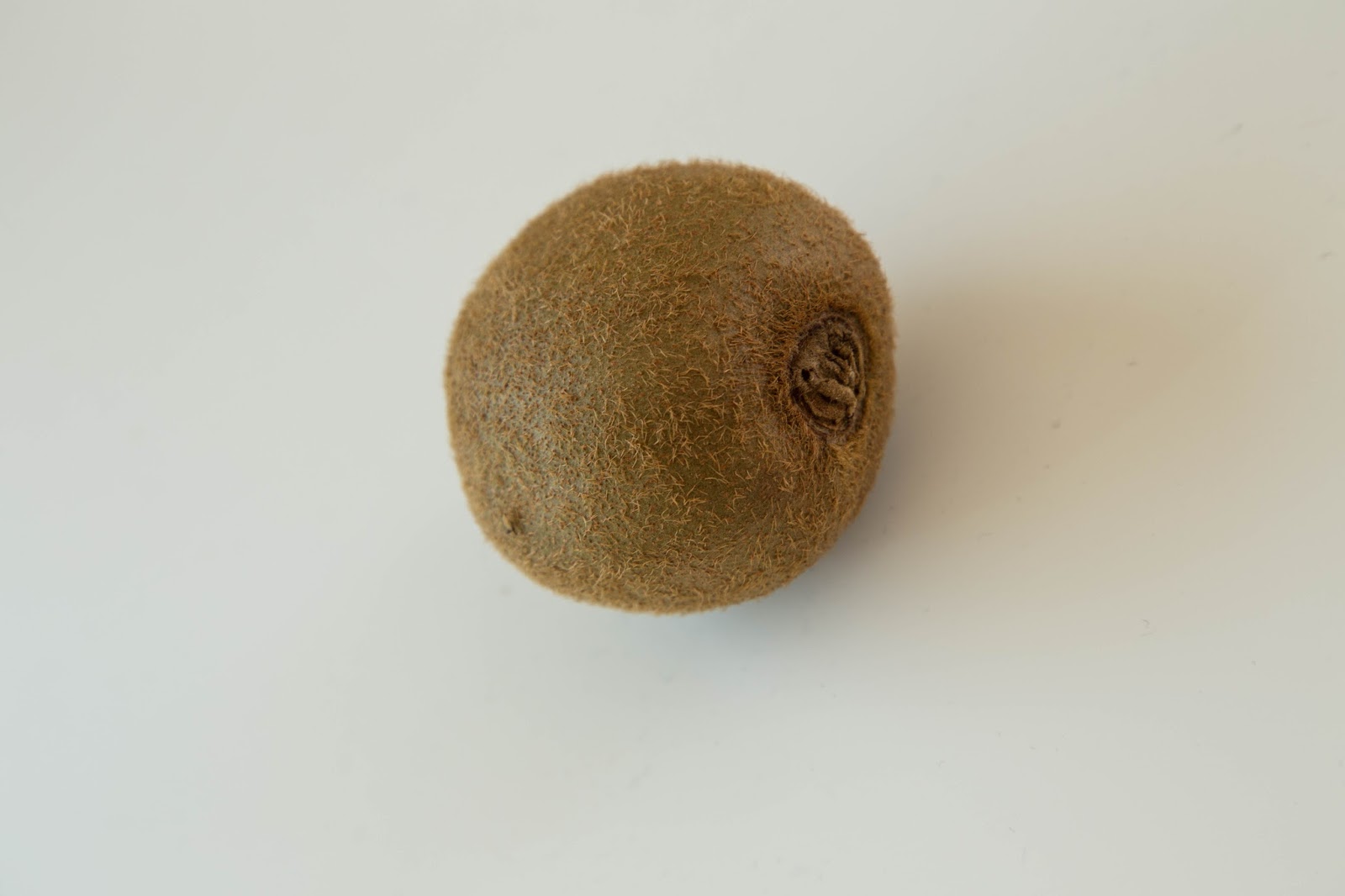
 This kiwifruit has a nice hairy texture that I can use on my bee. Thay are actually little fury creatures...


And there we have it. I will do the cut outs of the parts I think best to use and post them next...

Part 01- Starting my Bee and forgetting the Stag.

Okay. I admit it. I originally wanted to create my second digital compositing creature as a Stag. But having tried a little and discovering that it was a very hard animal to create, due to its complex body shape, making the fur and shading rather difficult, I changed my tact and decided to create a Bee.
I went with a bee because I had a strong idea about how to represent the majority of its body shape. I like to have a body that I can make with the materials (organic or inorganic) in full. That way I can use the light in real time to create shadowing and contour in the original photo. Then I can work with adding textures, body parts, coloring and shading. It make the work flow faster if I have a model that is more or less accurate to the body shape I am going for. Then I can make smaller changes in Photoshop around the Warping and Skew tools.

So....
Here is the original background I've shot for the Bee to be in. It is  from my own garden, I wanted the bee to be interacting with a flower. And I choose this one because the scale seemed right and it had a strong yellow tone in the image.


Okay. Now to shoot the parts of the Bee...