Wednesday, 6 July 2016

Part 02- Taking the photos for Bee body parts and textures...

I have done the shooting in my house. I have a white dining table and it makes for a good background to shoot against and is easy to select and cut out the parts of the image I want...

Here is my reference BEE. I wanted it to be in flight...


Here are the original photos of ORGANIC components that I will create the bee from. I had to think about the shapes I needed and where I could find them in the environment and from fruits and vegetables around me that I had access too...

I used a stick to join these two Yams into a shape that reflected the shape in the body of the reference bee above.

 This kiwifruit has a nice hairy texture that I can use on my bee. Thay are actually little fury creatures...
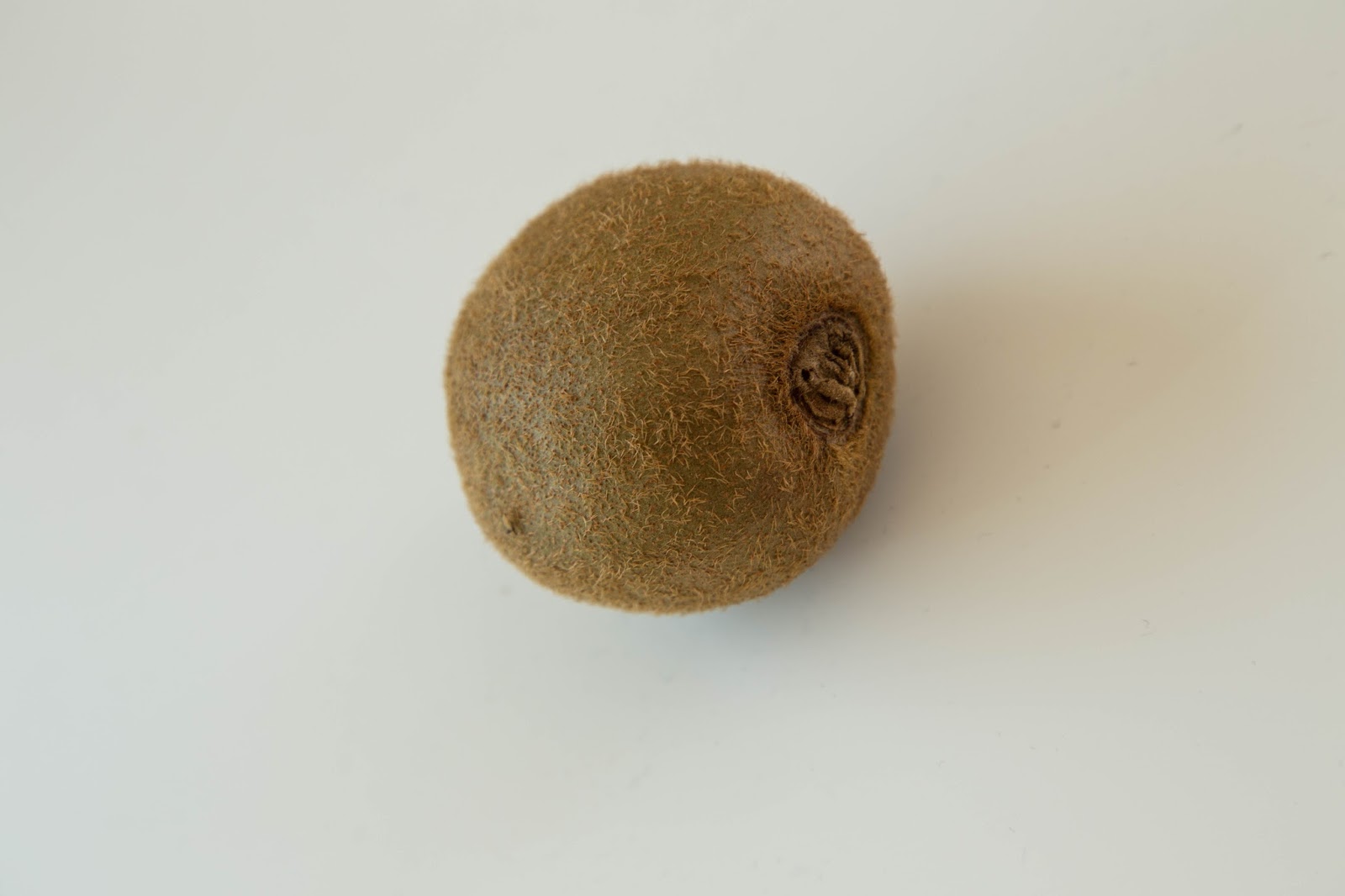


And there we have it. I will do the cut outs of the parts I think best to use and post them next...

Part 01- Starting my Bee and forgetting the Stag.

Okay. I admit it. I originally wanted to create my second digital compositing creature as a Stag. But having tried a little and discovering that it was a very hard animal to create, due to its complex body shape, making the fur and shading rather difficult, I changed my tact and decided to create a Bee.
I went with a bee because I had a strong idea about how to represent the majority of its body shape. I like to have a body that I can make with the materials (organic or inorganic) in full. That way I can use the light in real time to create shadowing and contour in the original photo. Then I can work with adding textures, body parts, coloring and shading. It make the work flow faster if I have a model that is more or less accurate to the body shape I am going for. Then I can make smaller changes in Photoshop around the Warping and Skew tools.

So....
Here is the original background I've shot for the Bee to be in. It is  from my own garden, I wanted the bee to be interacting with a flower. And I choose this one because the scale seemed right and it had a strong yellow tone in the image.


Okay. Now to shoot the parts of the Bee...

Wednesday, 29 June 2016

Part Six: Robot Fish- Test prints and mounting onto card.

These are test prints for colour and brightness...


 Test prints and prepping to cut and mount final image...

Final Image.

Part Five: The components of my robot (steampunk) Fish. Early build and Final Image...

 The 10 cut-out components of my Robot Fish composition... 


An early attempt...

The final Image...

Part Four: Some early compositions of my robot fish.

Sizing the (fork) teeth.

copy and pasting them along the jaw line, and trying to get the scale and angles right for each part of the jaw. Needed to use some skew and warp tools.

Added the first idea of the eyes in and warped the stalk for the head light from a spoon handle. Had a play with adding some bubbles also...

Sunday, 26 June 2016

Final design- The Conch-Marama

Working on the placement of the words and titles...
Finished the placement and still considering the colour of the main title, may change it back to the original blue of the peice of work I photographed...
These are my test prints. After some consultation with Phillipa, I have decided to use blue fields for some of the text to make it stand out more...

 And here is the final images next to each other. As you can see, the logo and much of the text has had a blue field placed behind to draw more attention to them and make the information stand out better.


Colour scheme-

I was looking for a neutral palette. Natural feel.

I decided to play with the grey scale in the trees. And I retreived this from the internet and use the